
It’s now even easier to connect Faire to the tools you use to run your business! We work with a variety of partners to connect Faire with popular eCommerce, ERP, inventory management, and accounting solutions.
The Integrations page is a one-stop-shop for you to manage your existing integrations, discover new integrations, and reach out to our third party integrations partners.
Navigating the Integrations page
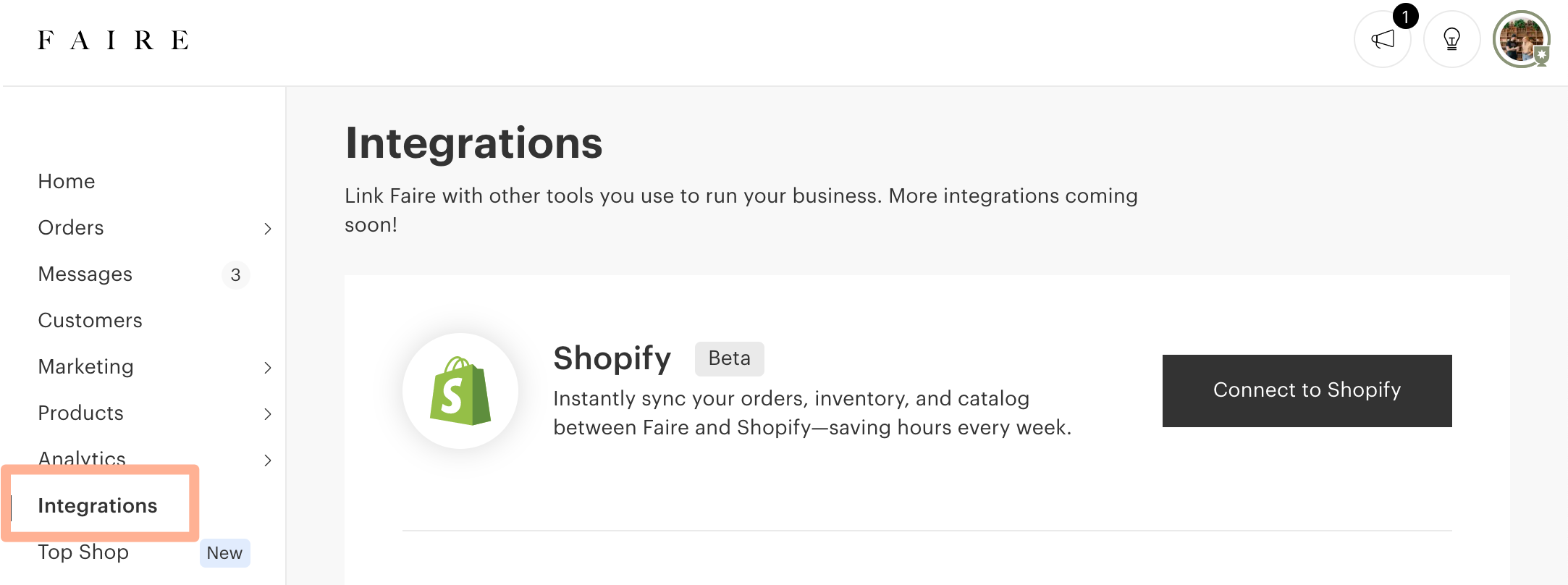
You can find the Integrations page on the left hand side navigation of your Faire brand portal.
Manage your existing integrations
You can view and manage all of your integrations under the My Integrations section of the Integrations page.
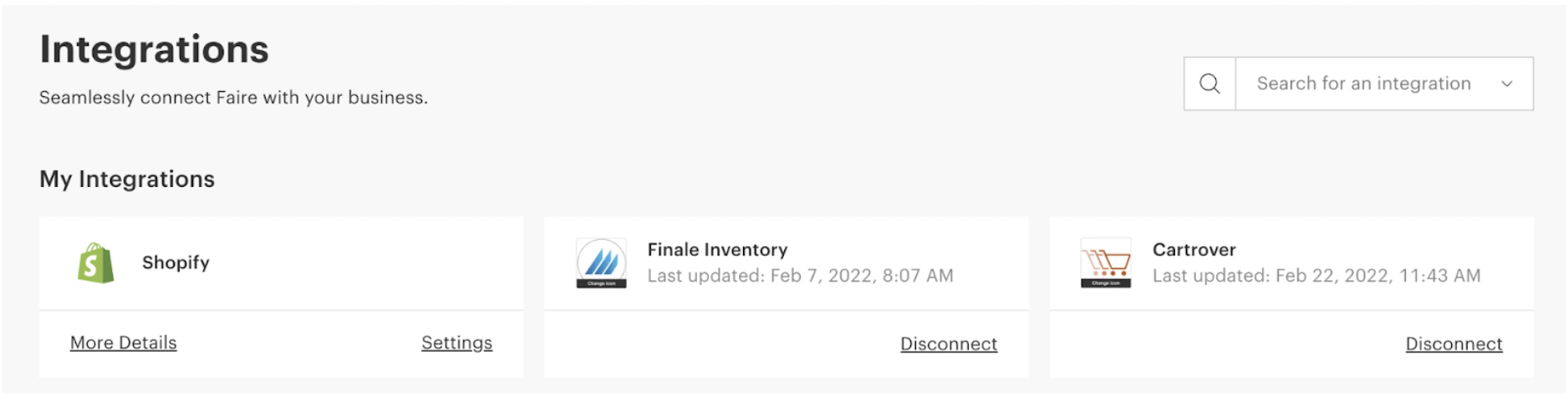
From this section you can easily:
- Copy API keys for existing connections, by selecting Copy API Key
- View more details about the integration by selecting View details
- View integration specific settings by selecting Settings
- Disconnect an integration by selecting Remove
- This action disconnects the integration but does not cancel your subscription. You’ll need to contact the partner to cancel applicable payments.
Discover new integrations
Discover new integration opportunities using our search and filter options on the Integrations page.
- Search by connection - use this if you know what product you want to connect with.
- Search by platform - use this if you are looking for an integration that works with specific software that your team uses
-
Search by functionality - use this if you know what type of actions you want to streamline. You can select as many functionalities as you like!
- Sync Catalog
- Sync Inventory
- Sync Orders
- Sync Shipping Information

If you’re not able to find an integration that suits your needs, please reach out to integrations.support@faire.com and include the functionality you are looking for or the partner you are looking to integrate with. This information will help Faire collect feedback and inform future partnership decisions.
How to connect to a partner
Once you have chosen a partner that suits your needs, you can connect with them by following two easy steps, directly from the Faire portal!
- Email the partner to request the integration: you can do this by selecting the Email Partner button from the right side of the page.
-
Send an API key to the partner: you can do this by selecting the Generate API Key button from the right side of the page.

Support for third-party integrations
At this time, Faire is only able to provide customer support for our native Shopify integration. For all third-party integrations you should connect with the partner directly - they are the experts and should be able to address any of your concerns!
Contact information for all of our partners is available from their dedicated information page in the Faire portal.
How do I pay for my third-party integrations?
You will need to pay for all third party services directly through the provider. Unfortunately, at this time, you’re not able to pay for these services via your Faire portal.
You’ll find pricing and contact information in the partner’s dedicated details page, which you can search for from the Integrations page!
I want to develop my own integration with Faire
If your team has the technical resources to develop an integration themselves, they can get the process started by visiting our Developers page.
For any additional questions about integrations on Faire, please reach out to us here.